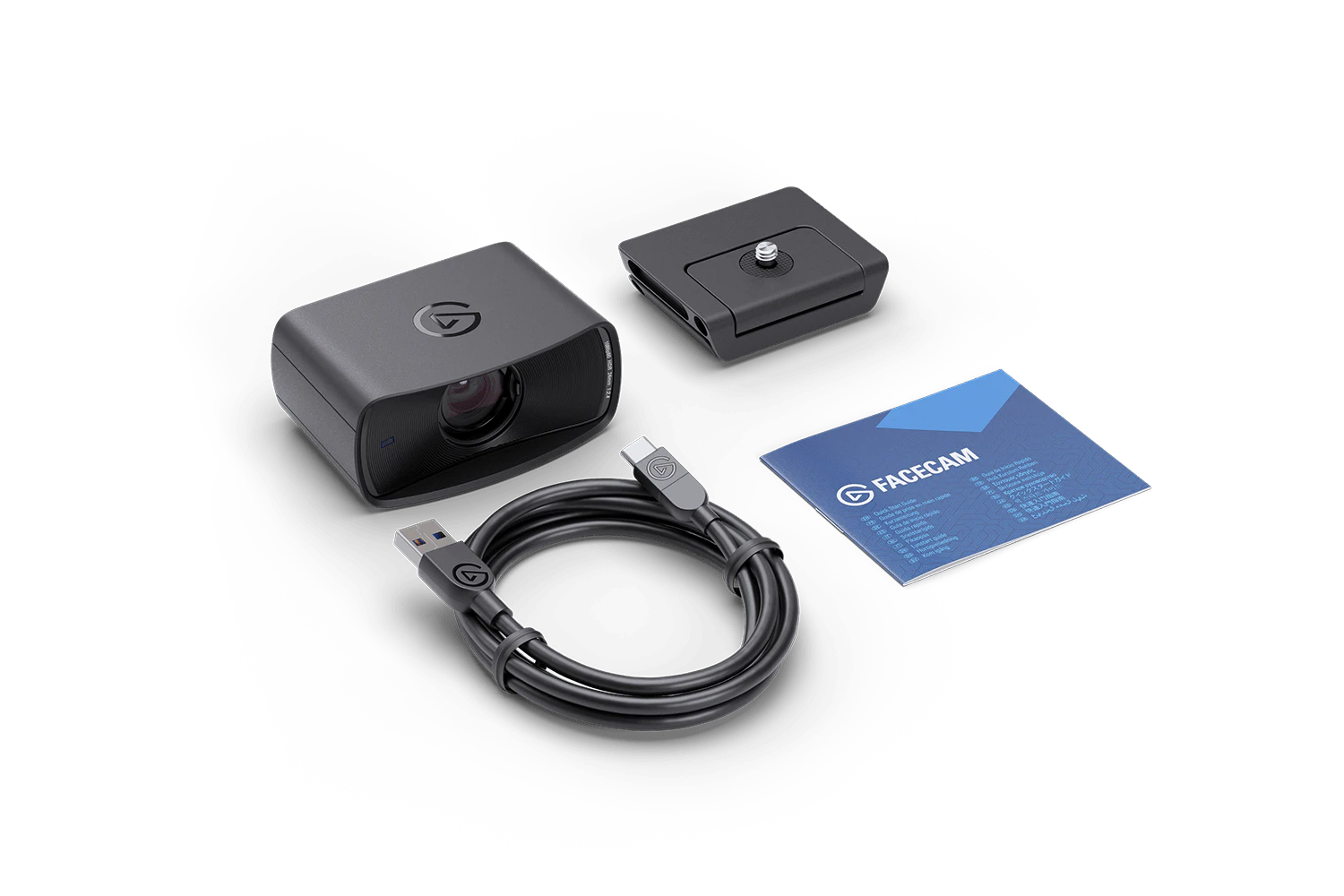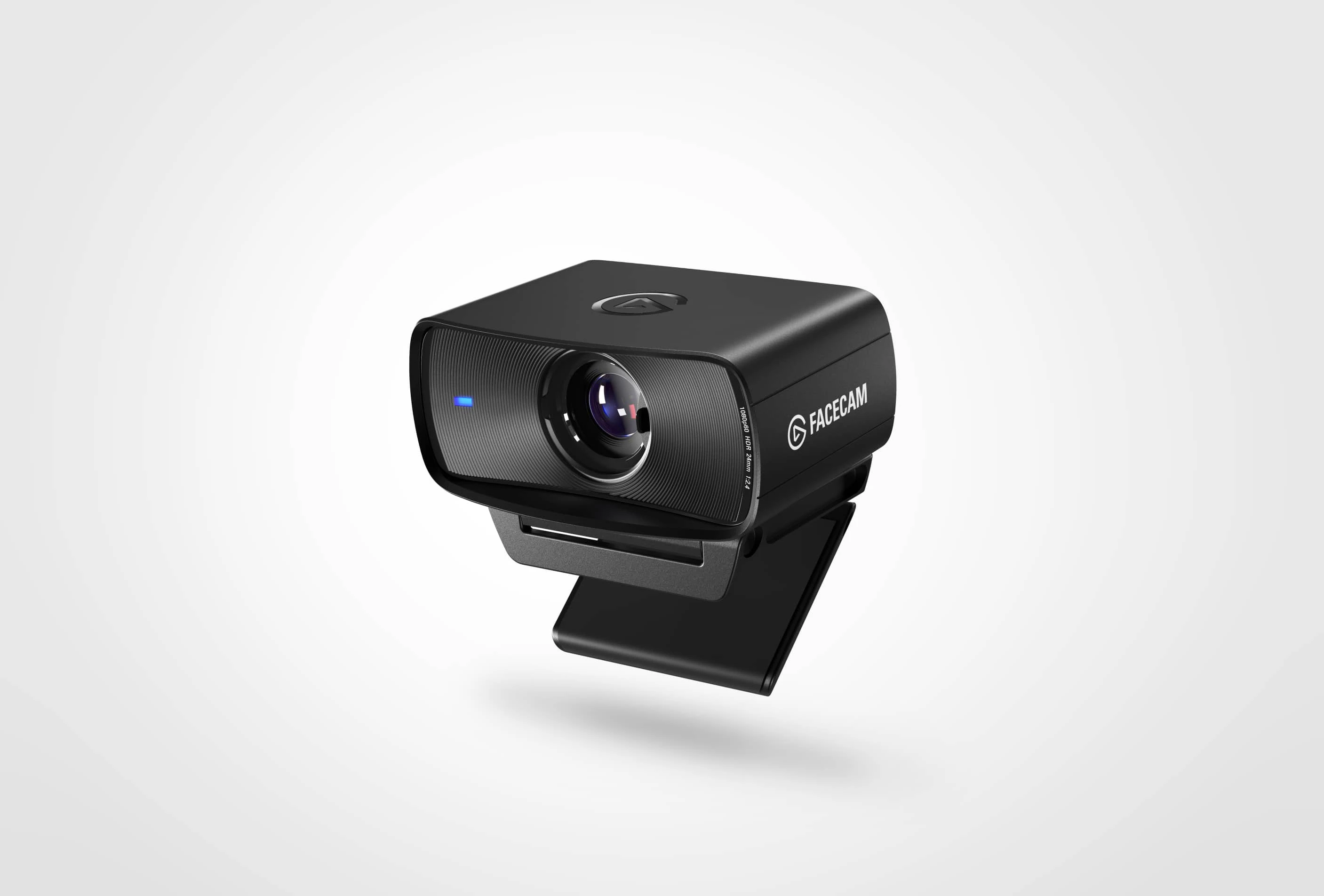
Facecam
Premium 1080p60 Webcam
Awards
Best Streaming Equipment
Subtotal
Delivered by 09/24/2026-09/25/2026
Subtotal
Delivered by 09/24/2026-09/25/2026


A custom prime lens and state-of-the-art Sony® sensor work together to capture more light, creating an image that's as detailed as it is true-to-color. It's a powerful duo that keeps you looking clear, even in dim conditions.
/Facecam-_General_---Explorer---Article-4.jpg)
Learn how to connect and set up your Elgato webcam for live reactions, video calls, and streaming directly from your Nintendo Switch.
/Facecam-_General_---Explorer---Article-1.jpg)
Learn how to balance highlights and shadows with Camera Hub's Dynamic Range control for crisp, detailed video in any lighting.
/Facecam-_General_---Explorer---Article-2-.jpg)
Learn how to reduce image grain with Camera Hub's Noise Reduction feature for cleaner, sharper video.
/Facecam-_General_---Explorer---Article-3-.jpg)
See how Camera Hub's Low Light Mode automatically adjusts your Facecam settings to deliver bright, detailed video — even after dark.

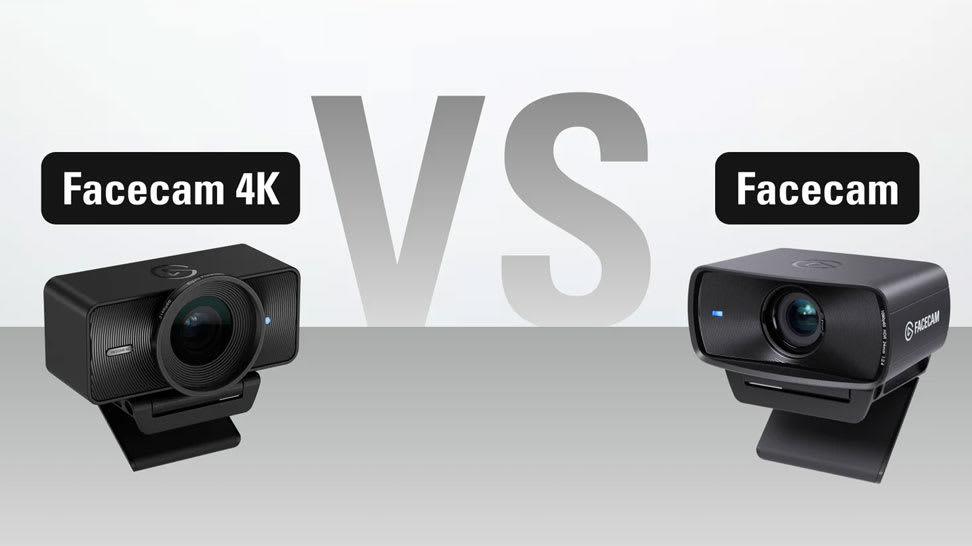
Learn how Facecam 4K and Facecam differ in specs, performance, and price — helping you choose the perfect camera for your setup.

Our goal is to be 100% plastic-free. We're at 95% and counting. Since launching our first capture device in 2012, we’ve taken impressive strides not only in advancing our technology but also our packaging. Learn More
Why won't my Facecam record or stream in 4K?
How do I set up the Facecam with the Elgato Prompter?
Can I mount my Facecam on a tripod or arm?
What's the focal length of the Facecam lens?